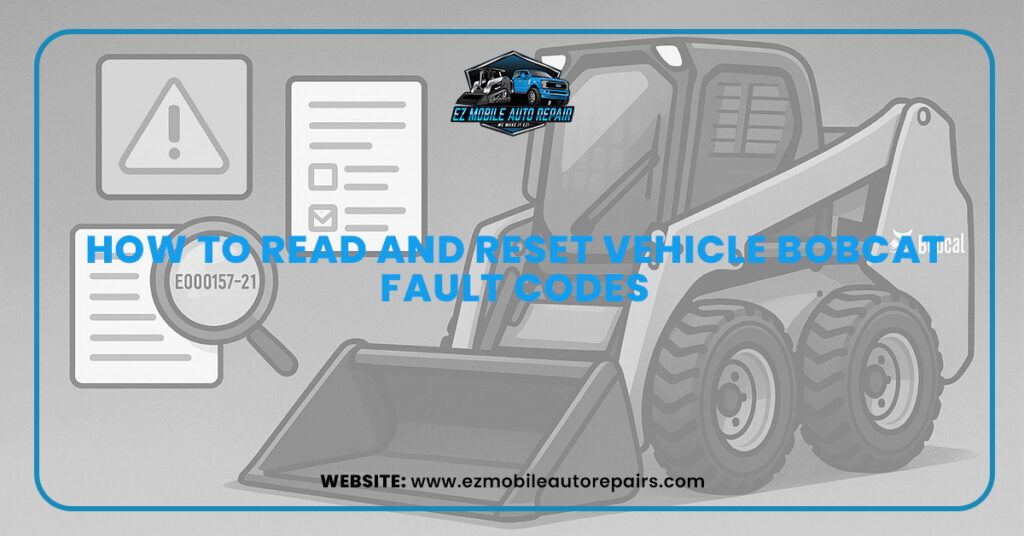
Bobcat machines are designed to handle tough jobs, from construction sites to agricultural projects. Like any piece of heavy equipment, they rely on advanced onboard systems to monitor performance and alert operators when something is wrong. These alerts appear in the form of Bobcat fault codes. Knowing how to read and reset these codes is essential for keeping your automotive machine running smoothly, preventing costly downtime, and extending its lifespan.
In this guide, we will explain why fault codes appear, how to read them, how to reset them, and what you can do to prevent them in the future.
How to Read Bobcat Fault Codes
Every Bobcat machine is equipped with an onboard monitoring system that displays fault codes on the control panel. Reading these codes correctly is the first step in diagnosing the Bobcat problem.
- Using the control panel display
Most modern Bobcats show fault codes directly on the digital display. Each code is made up of letters and numbers that point to a specific issue. - Without diagnostic software
If you do not have specialized software, you can still check the codes through the machine’s dashboard. The operator’s manual provides a list of codes and their meanings. - With diagnostic software
Advanced Bobcat diagnostic tools allow technicians to connect directly to the machine’s computer. This provides detailed information about active and stored fault codes, along with system data. - Interpreting the codes
Each fault code relates to a system such as the engine, hydraulics, or electrical unit. For example, a code might indicate high coolant temperature or low fuel rail pressure. Always match the displayed code with the official Bobcat fault code list.
How to Reset Bobcat Fault Codes
After identifying the issue, you may want to reset the code. However, it is important to fix the underlying problem first. Resetting without repairs may temporarily remove the code, but the issue will return.
- Manual reset through the control panel
Some fault codes can be cleared by navigating the control panel options. This works if the fault has already been resolved. - Using diagnostic software
Technicians often use Bobcat’s diagnostic software to reset codes after completing repairs. This ensures the system is cleared of old errors. - Battery disconnect method
In some cases, disconnecting the battery for a few minutes can reset certain codes. However, this does not guarantee that all stored codes will be removed. - When not to reset
Do not attempt to reset fault codes repeatedly without solving the issue. This can lead to major mechanical damage and higher repair costs.
Common Bobcat Fault Codes and Their Meanings
While Bobcat fault codes vary by model, here are a few common ones operators encounter:
- Engine system codes – Low oil pressure, overheating, or fuel injection errors.
- Hydraulic system codes – Low hydraulic fluid, pump performance issues, or leaks.
- Electrical system codes – Battery voltage problems or communication failures between sensors.
- Safety system codes – Seat switch, brake system, or operator presence sensor issues.
Refer to the official Bobcat service manual for a complete list of codes specific to your machine.
Safety Tips Before Reading or Resetting Fault Codes
Working with heavy machinery requires careful attention to safety. Before attempting to read or reset fault codes:
- Make sure the Bobcat is turned off and parked on level ground.
- Disconnect the battery when working with electrical components.
- Follow all safety instructions from the operator’s manual.
- Wear appropriate protective gear such as gloves and eye protection.
- Never bypass safety features in an attempt to clear codes quickly.
Final Thoughts
Bobcat fault codes are an essential part of keeping your machine safe and efficient. Learning how to read them helps you diagnose problems early, while knowing how to reset them ensures your system operates smoothly after repairs. However, resetting codes should never replace fixing the actual issue.
With proper Bobcat maintenance and attention to detail, you can minimize fault codes, reduce downtime, and extend the life of your Bobcat. If problems persist, it is always best to consult a certified technician for a professional diagnosis.